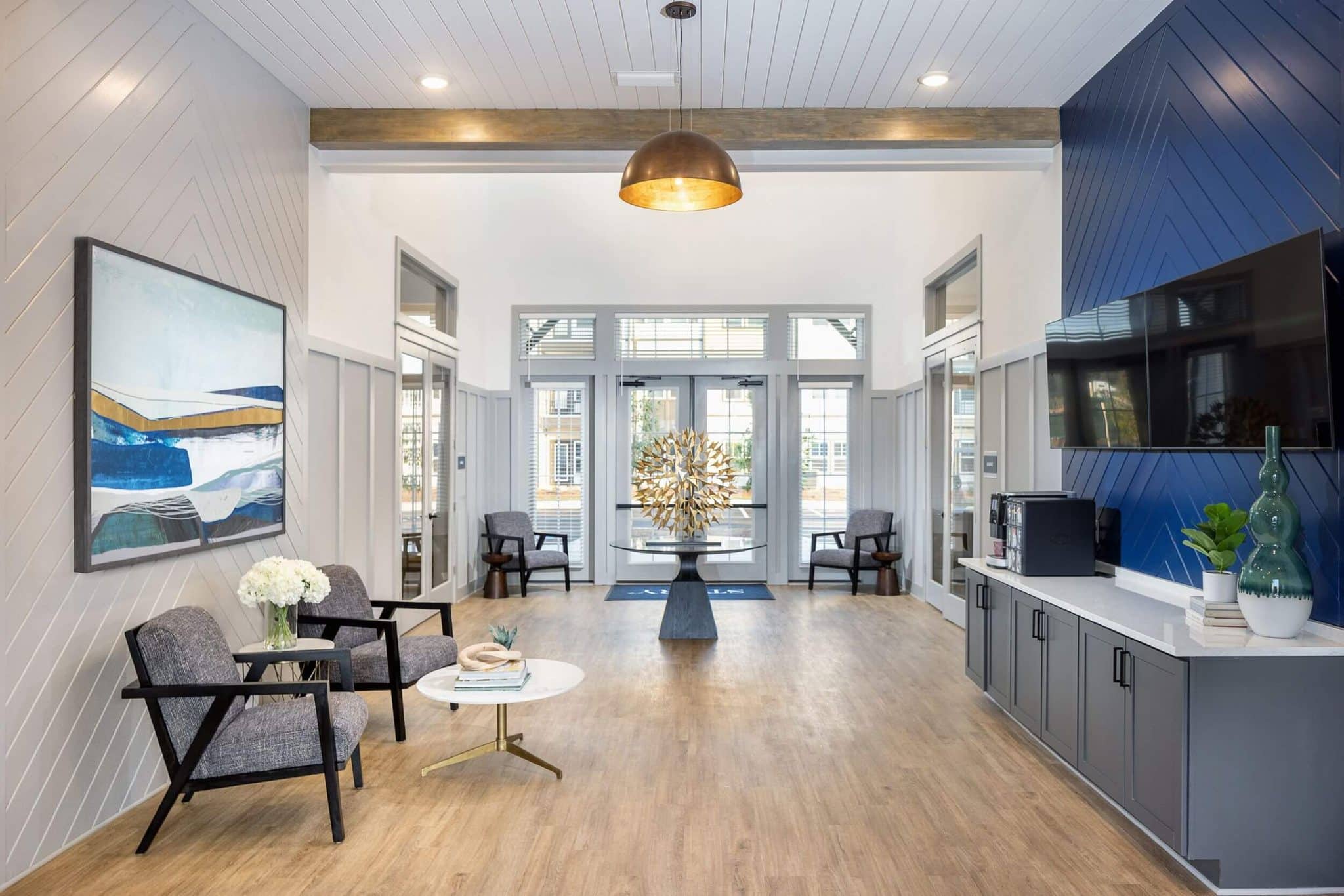






Let’s be real: working from home in an apartment can have its own set of challenges. Finding the space to be productive without your work life spilling into your chill time can feel like a puzzle. The goal isn’t just to cram a desk into a corner, but to create a work-from-home setup that’s productive, comfortable, and actually looks good in your home.
This guide is all about turning that challenge into a win. We’ll give you actionable tips to design a home office space that works for you. At Story Mt. Zion, thoughtful layouts and community features provide the ideal backdrop for a balanced remote work lifestyle, making it easier to create a space you love to both live and work in.
Key Takeaways
- Ergonomics isn’t just a buzzword; it’s essential. A good chair and the right desk height are the best investments for your long-term health and focus.
- You can maximize your apartment space with smart choices like vertical storage, furniture that does double duty, and creating a dedicated work zone.
- Good lighting is a game-changer. Using natural light and adding a quality desk lamp can reduce eye strain and seriously boost your mood.
- Your workspace isn’t just your apartment. At Story Mt. Zion, you can switch things up by using the community’s business center and coffee bar.
The Foundation: Building an Ergonomic Workspace in Your Apartment
If you’ve ever ended a workday with a sore back or stiff neck, you already know why ergonomics is important. Building an ergonomic workspace is about setting yourself up for comfort and health, which directly leads to better focus and productivity. It’s about making your space work for you, not against you.
Choosing the Right Desk for Your Space
Your desk is the centerpiece of your office. Finding the right one for an apartment means balancing function with your floor plan.
- Standing Desks: An adjustable or height-adjustable desk lets you switch between sitting and standing, which is great for your health and can help you stay focused during long meetings.
- Small & Fold-Away Desks: If you’re in a studio or one-bedroom, a small desk that can be folded away can be just right for maximizing your living area when you’re off the clock.
- L-Shaped Desks: Got an empty corner? An L-shaped desk can turn that unused space into a defined and spacious office zone, especially in larger floor plans.
Pro Tip: Position your desk near a window to take full advantage of the natural light in Story Mt. Zion apartments. It’s an instant mood and productivity booster — and great feng shui.
The Most Important Investment: Your Office Chair
You’re going to spend a lot of time in your office chair, so think of it as a long-term investment in your health. A quality ergonomic chair prevents strain and keeps you comfortable all day. Look for key features like adjustable height, armrests, and proper lumbar support.
For a deeper dive into setting up your space correctly, check out this guide to office ergonomics.
| Feature | Premium Option (Herman Miller Embody) | Mid-Range Option (Branch Ergonomic Chair Pro) | Budget-Friendly (General) |
|---|---|---|---|
| Price Range | $$$$ | $$ | $ |
| Key Ergonomic Feature | Pressure-distributing backrest that conforms to your micro-movements. | 7 points of adjustment including lumbar, armrests, and seat depth. | Basic height and lumbar adjustment. |
| Best For… | The all-day remote worker who sees their chair as a long-term health investment. | Users seeking high adjustability and modern style without the premium price tag. | Part-time WFH, students, or those on a tight budget. |
| Aesthetic | Modern, high-tech, iconic design. | Sleek, minimalist, professional. | Utilitarian and functional. |
Perfecting Your Posture: Desk and Monitor Height
A great desk and chair are only half the battle. How you set them up is crucial for avoiding strain.
- Your elbows should be at a 90-degree angle when typing.
- The top of your monitor should be at or just below your eye level.
- Your feet should be flat on the floor.
To get the right monitor setup, you don’t need fancy gear. A simple monitor stand or even a stack of sturdy books can raise your computer monitor to the perfect height.
Essential Tech and Accessories for a Productive WFH Setup
The right tech doesn’t just help you work; it helps you work smarter. These essentials can solve common WFH problems like clutter, distraction, and inefficiency.
Monitors, Keyboards, and Mice
A laptop screen can feel cramped. A dual-monitor setup gives you more screen real estate to juggle multiple tasks, while an ultrawide monitor offers a seamless, expansive view for creative work. Both are huge for productivity.
Your keyboard and mouse are your primary tools. Ergonomic models are designed to reduce wrist strain during long typing sessions. Popular products like the Logitech MX Master 3S Wireless Mouse are favorites for a reason—they’re comfortable and packed with features. To organize your gear and free up desk space, consider adding a desk mat and a desk shelf.
Lighting and Cable Management
Good lighting is non-negotiable. Natural light is best, but a quality desk lamp with adjustable brightness and color temperature is essential for late nights and cloudy days to reduce eye fatigue.
A clutter-free desk leads to a clutter-free mind. Simple cable management solutions like ties, sleeves, or an under-desk tray can hide messy wires, instantly making your workspace feel more organized and focused.
Staying Focused: Headphones and Audio
Apartment life can come with unexpected noise. A good pair of noise-canceling headphones is a game-changer for blocking out distractions and getting into a deep work zone. For audio, a quality headset is great for calls, while a good set of computer speakers can provide the perfect background music to keep you motivated.
Designing Your Workspace at Story Mt. Zion
The right apartment makes creating your ideal home office that much easier. Here’s how you can use the features at Story Mt. Zion to your advantage.
Leveraging Your Apartment’s Best Features
Story Mt. Zion’s spacious floor plans give you the flexibility to create a dedicated home office nook without sacrificing your living space. The large windows provide abundant natural light, which is proven to improve mood and create a more pleasant work environment.
Check out the photo gallery to easily see how you can set up your own stylish and functional workspaces.
When You Need a Change of Scenery
Some days you just need to get out of your apartment. Think of the community amenities as an extension of your home office. The community’s business center and coffee bar are perfect spots to work for a couple of hours, meet with a colleague, or just enjoy a change of pace.
Frequently Asked Questions (FAQs)
What equipment do I need to work remotely from home?
The essentials include a reliable computer, high-speed internet, a comfortable and ergonomic desk and chair, and good lighting. Depending on your job, you may also need a quality webcam, headset, and a second monitor.
What are some good desk accessories to improve organization?
To keep your desk clutter-free, consider a monitor stand with built-in storage, a desk organizer for pens and small items, a desk mat, and a cable management box or sleeve to hide wires.
How can I use a room divider to separate my workspace?
A stylish folding screen, an open-backed bookshelf, or even a strategically placed curtain can create a visual and mental separation between your work and living areas, which is crucial for work-life balance in an apartment.
Create Your Ideal Home Office at Story Mt. Zion
Creating a work-from-home setup that you love is all about making smart, intentional choices about your space, ergonomics, and technology. It’s about creating a corner of your home that helps you thrive professionally without taking over your personal life.
Story Mt. Zion offers the perfect foundation, with thoughtfully designed apartments and supportive amenities that fit your modern lifestyle. Ready to find the perfect space for your remote work life? Contact Story Mt. Zion today to find your new home.